
 VIDEO VISUALIZATION
Omnichannel
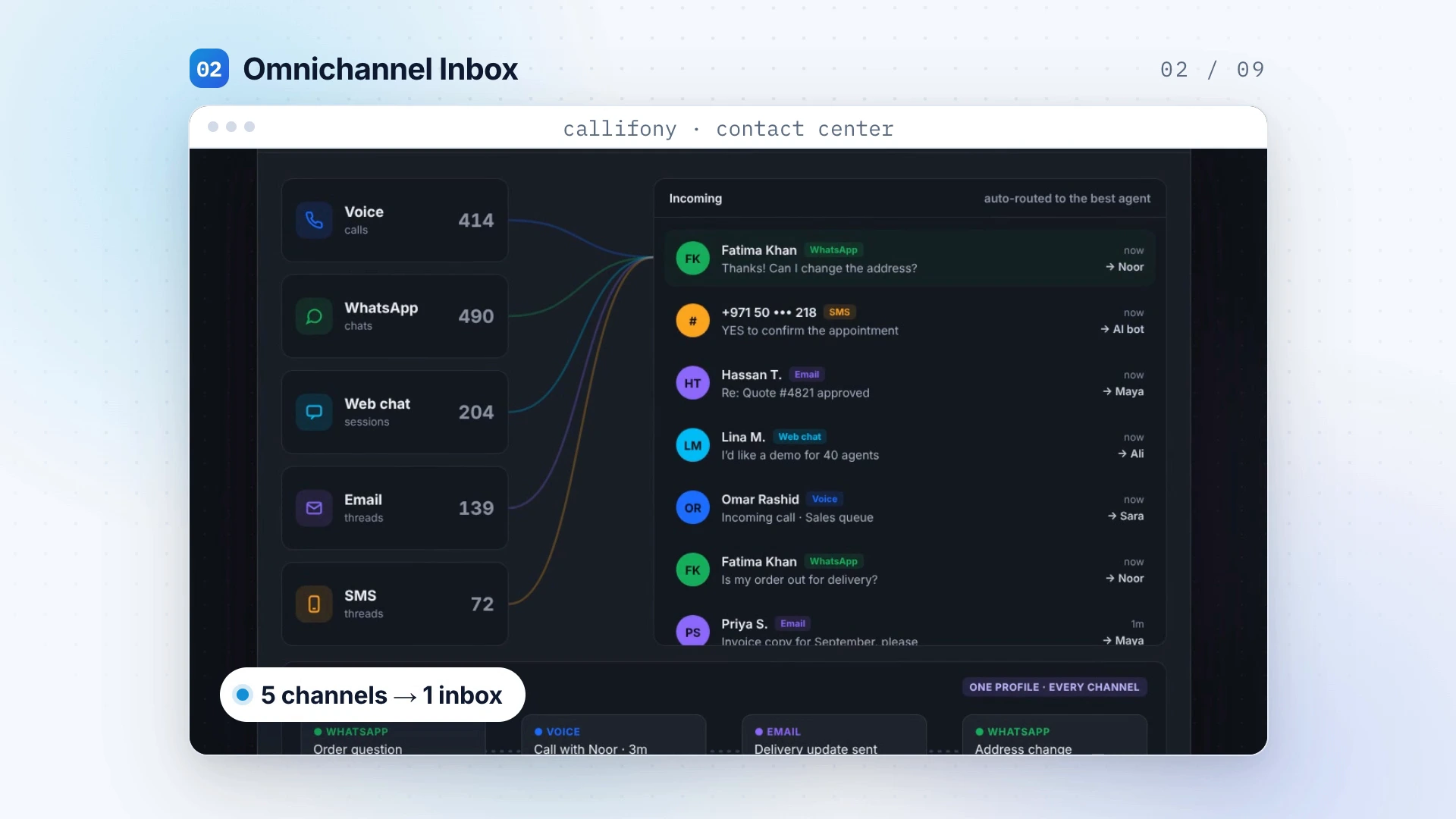
Bring voice, WhatsApp, webchat and social into one place, so your team can manage conversations with a clearer view of the customer.
Explore capabilityExplore what each capability does, where it fits and the questions to bring to your demo.
VIDEO VISUALIZATIONBring voice, WhatsApp, webchat and social into one place, so your team can manage conversations with a clearer view of the customer.
Explore capability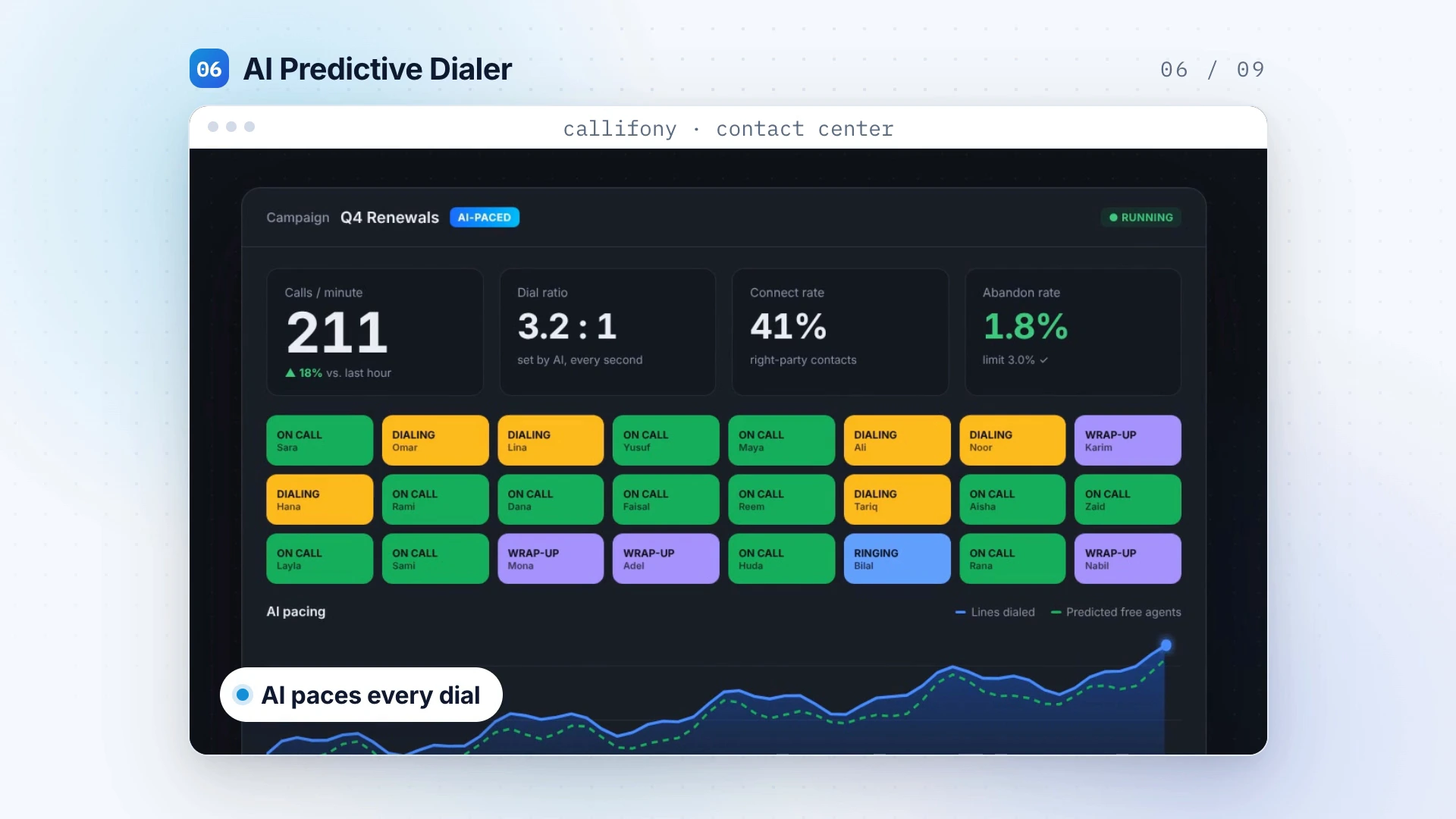 VIDEO VISUALIZATION
Automate outbound dialing and give your team more room to focus on the conversations that move customer relationships forward.
Explore capability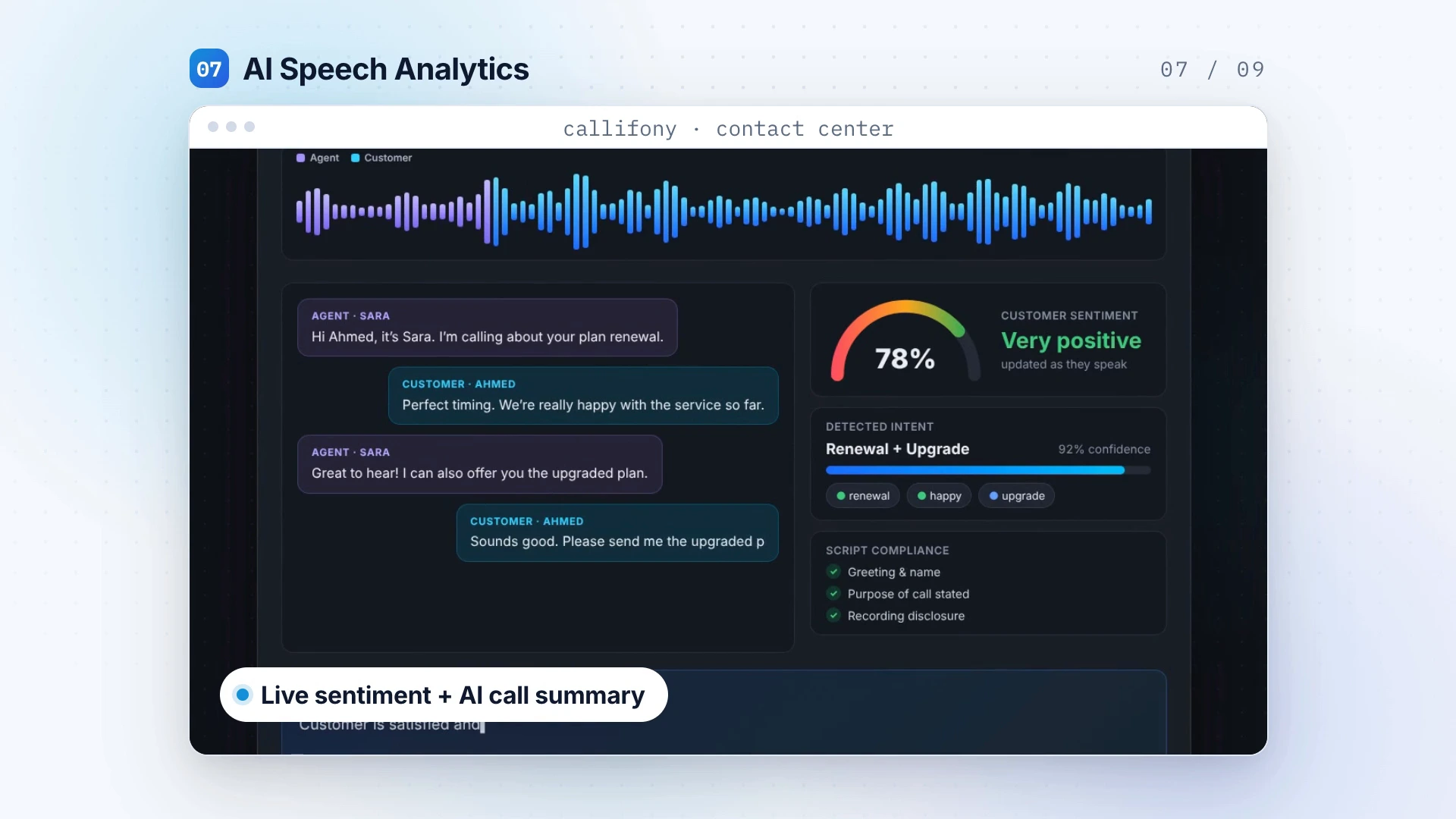 VIDEO VISUALIZATION
Explore transcripts, sentiment and summaries to understand customer needs, review service quality and make coaching conversations more specific.
Explore capability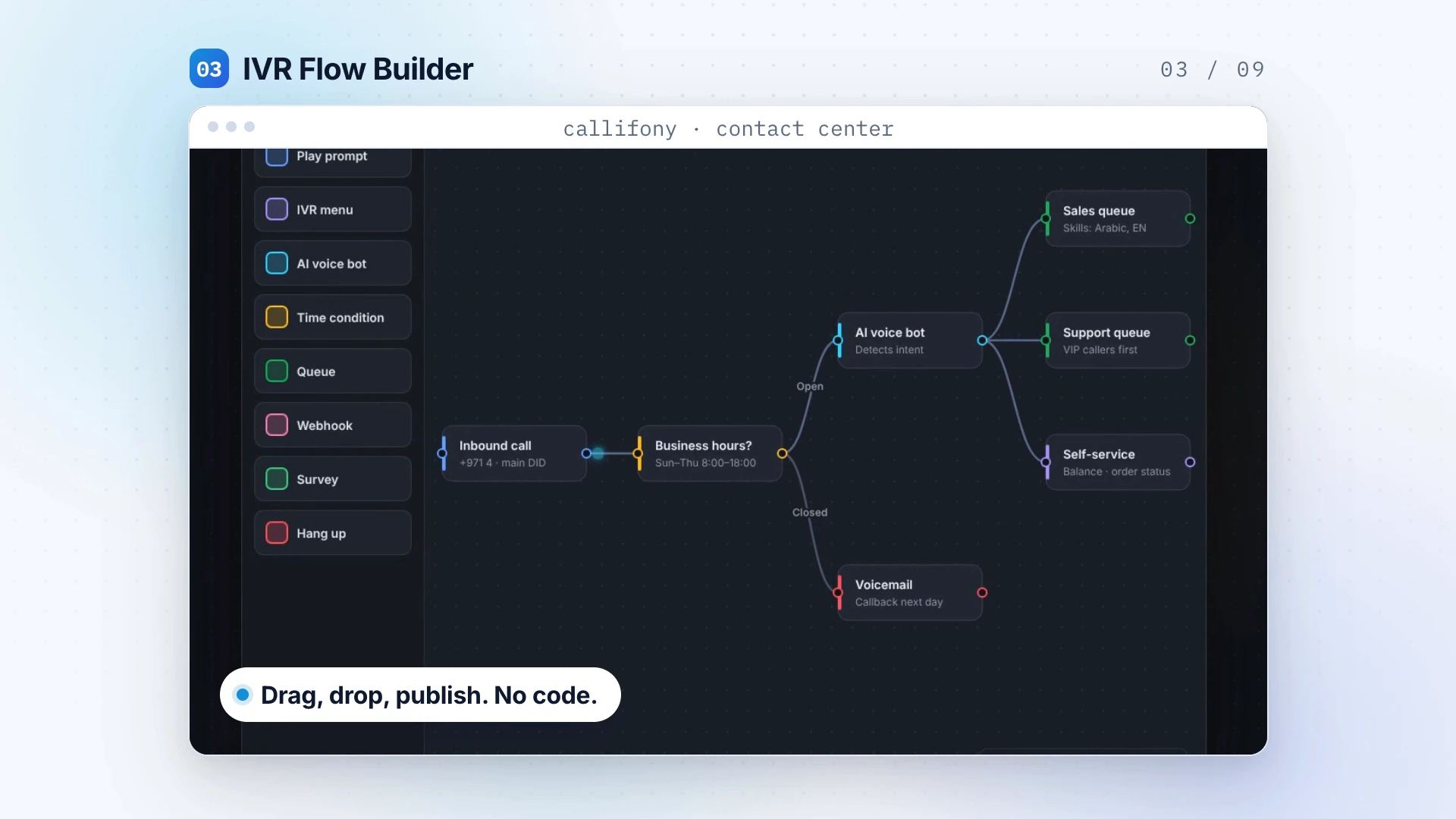 VIDEO VISUALIZATION
Design interaction flows visually and use skill-based routing to help customer enquiries reach the appropriate team.
Explore capability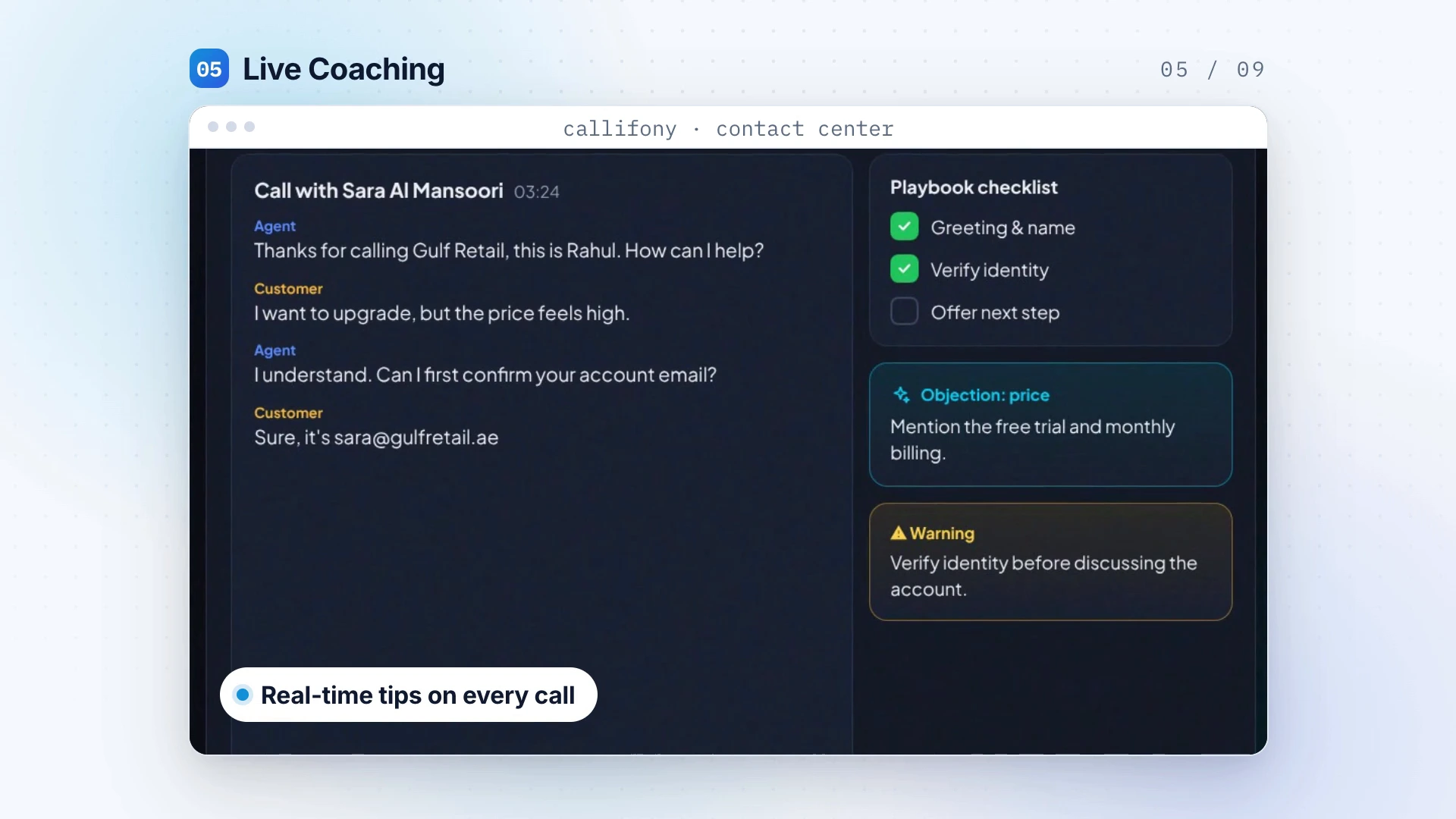 VIDEO VISUALIZATION
Bring relevant knowledge and AI assistance into the agent experience, helping people prepare a more informed response.
Explore capability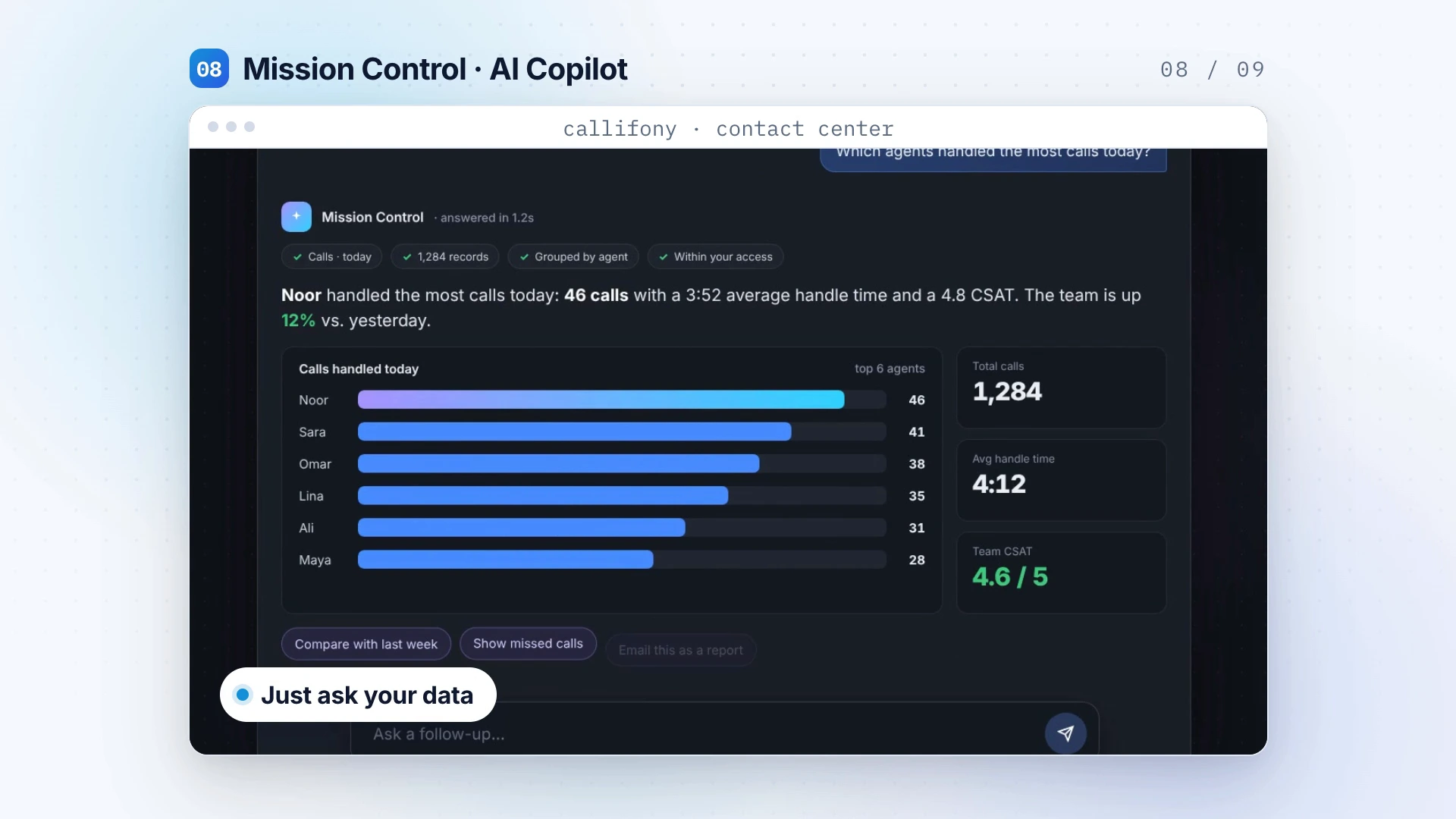 VIDEO VISUALIZATION
Use natural-language questions to explore operational data. Combine that perspective with live dashboards to decide where your attention belongs.
Explore capability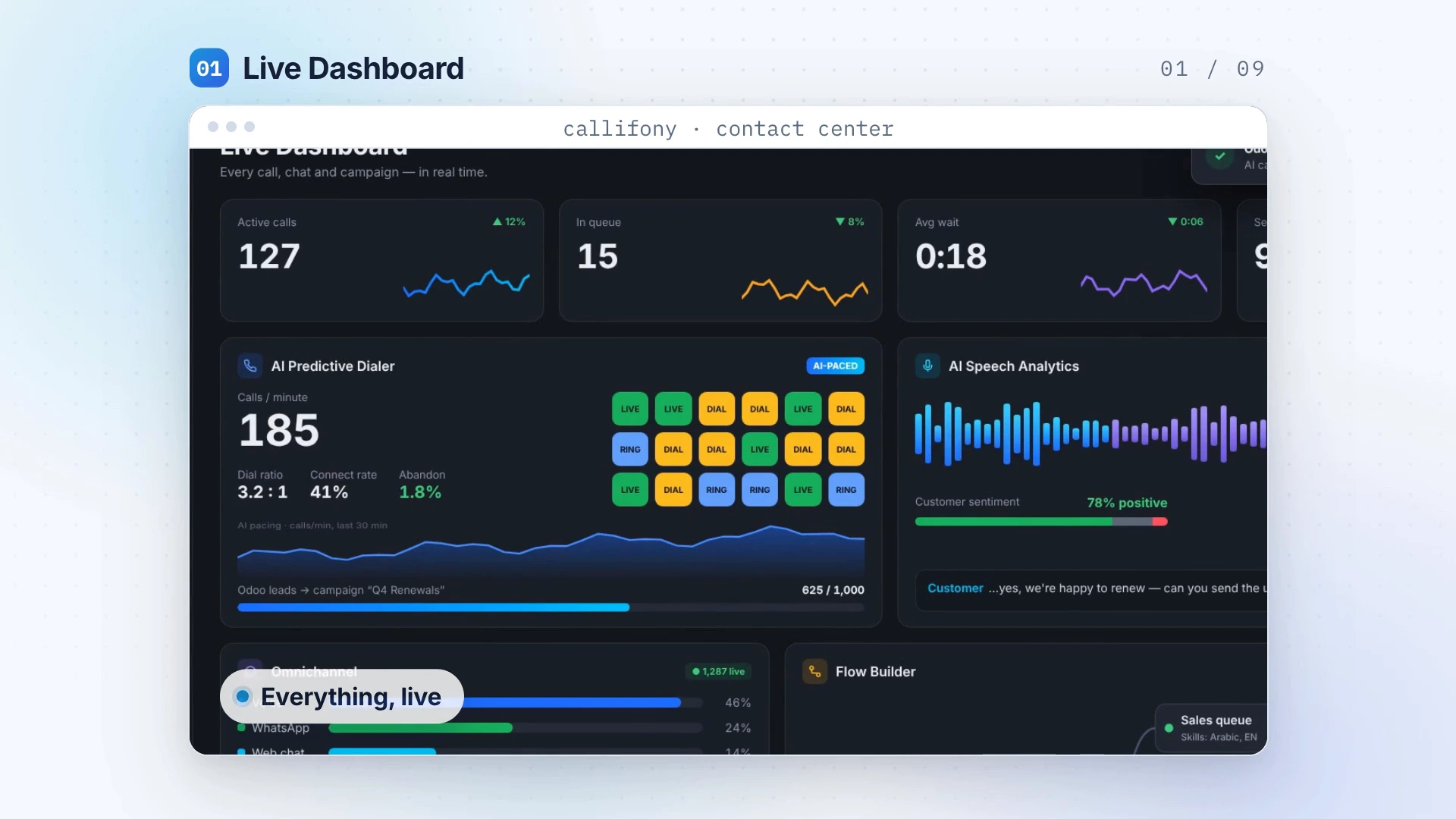 VIDEO VISUALIZATION
Bring live operational visibility and forecasting into the way your contact center reviews activity, allocates attention and plans for demand.
Explore capability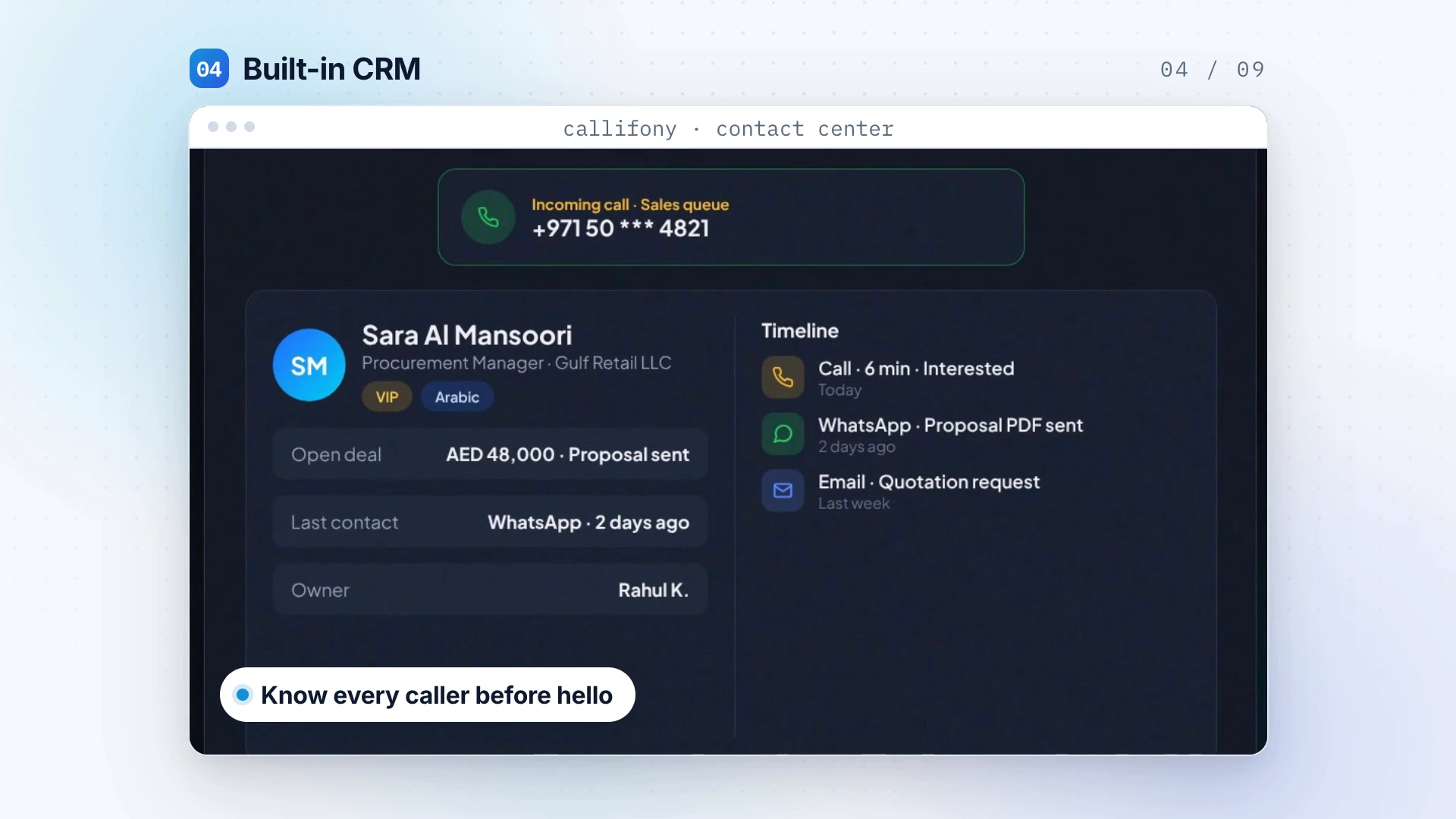 VIDEO VISUALIZATION
Use API-first architecture to connect contact-center workflows with relevant business systems. Scope your CRM, information flows and requirements with our team.
Explore capabilityFind a workflow, channel or operational topic.
Illustrative workflow · Configure for your team
A lead list should guide your outreach, not turn into an afternoon of copying numbers. Build a repeatable calling workflow that lets agents focus on what they say.
Explore auto dialerIllustrative workflow · Configure for your team
When policies, product details and instructions live in different places, small questions take too long. Give agents a practical source of approved answers.
Explore knowledge lookup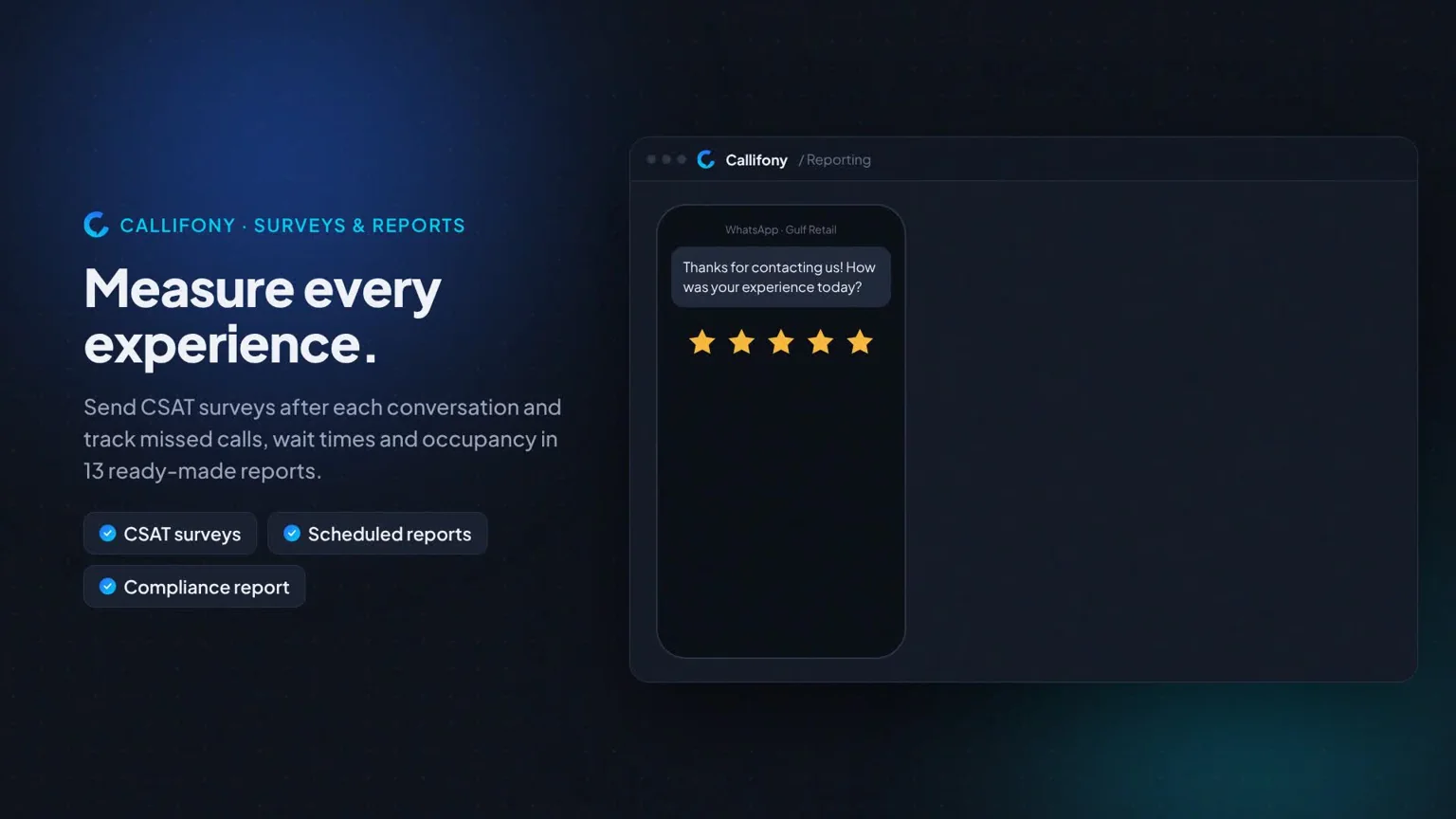
Missed calls, growing queues and unavailable agents are easier to address when you can see them early. Keep the team's current activity in view.
Explore real-time dashboardIllustrative workflow · Configure for your team
A billing question and a technical fault should not follow the same path. Match enquiries to the skills your team brings to the conversation.
Explore skill-based routingA total call count tells you how busy you were. It does not tell you where customers waited, which campaigns connected or what your team should change next.
Explore call center analyticsA customer may sound satisfied at the start and frustrated by the end. Sentiment signals can help a reviewer decide where to listen more closely.
Explore sentiment analysisIllustrative workflow · Configure for your team
Customers should not have to guess which button leads to help. Build a clear phone menu around the reasons people call.
Explore interactive voice responseIllustrative workflow · Configure for your team
When the team is busy, every waiting customer still needs a clear path to help. Build queues that reflect your service priorities.
Explore call queuesIllustrative workflow · Configure for your team
A customer message should be part of the service process, not stranded on one person's phone. Bring supported WhatsApp conversations into an organised workspace.
Explore whatsappIllustrative workflow · Configure for your team
Someone is on your website because they need information. Give them a direct way to ask and a team that knows who should respond.
Explore web chatIllustrative workflow · Configure for your team
A campaign can bring questions as well as clicks. Make sure customer messages have a route into the team that can answer them.
Explore social messagingIllustrative workflow · Configure for your team
A completed call often creates another task. Give routine follow-ups a consistent process so they do not depend on someone remembering later.
Explore workflow automationA transcript gives reviewers another way to locate a question, promise or objection in a long conversation.
Explore call transcriptionAfter a busy call, the team needs to know what happened and what was agreed. A concise summary can make the handover easier.
Explore ai call summariesIllustrative workflow · Configure for your team
Lead qualification, renewals and appointment reminders need different lists, questions and next steps. Organise outreach around the result you want.
Explore call campaignsIllustrative workflow · Configure for your team
A high call count can hide short conversations, difficult queues or extra follow-up work. Give performance reviews a fuller picture.
Explore agent reportingA service issue rarely belongs to one metric. Look across team workload, queue performance and outcomes to understand where the process needs attention.
Explore team reportingIllustrative workflow · Configure for your team
Bring your SIP requirements into the deployment discussion. Review how calls enter Callifony, how they are routed and what the team needs to manage.
Explore sip trunks & carrier setupIllustrative workflow · Configure for your team
Keep the calling workflow close to the information the agent needs. Review supported browser access before choosing devices for the team.
Explore browser callingIllustrative workflow · Configure for your team
A contact list needs more than phone numbers. Make eligibility checks part of the outreach process and define who maintains the source data.
Explore do-not-call screeningIllustrative workflow · Configure for your team
Customer interactions often create work outside the contact center. Plan how the relevant event reaches the application responsible for the next action.
Explore webhooksIllustrative workflow · Configure for your team
A conversation should leave a useful record. Decide which details the next colleague needs and how the completed action will be recorded.
Explore customer recordsIllustrative workflow · Configure for your team
Use a clear customer question and a consistent reporting method to understand the service experience. Make the feedback useful to the people who can act on it.
Explore customer surveysIllustrative workflow · Configure for your team
Different teams need different limits. Review usage, budgets and the behaviour when a limit is reached before expanding an AI workflow.
Explore ai usage controlsGive reviewers a practical way to locate relevant conversations. Define access and verify important details in the original call before acting on the result.
Explore transcript search