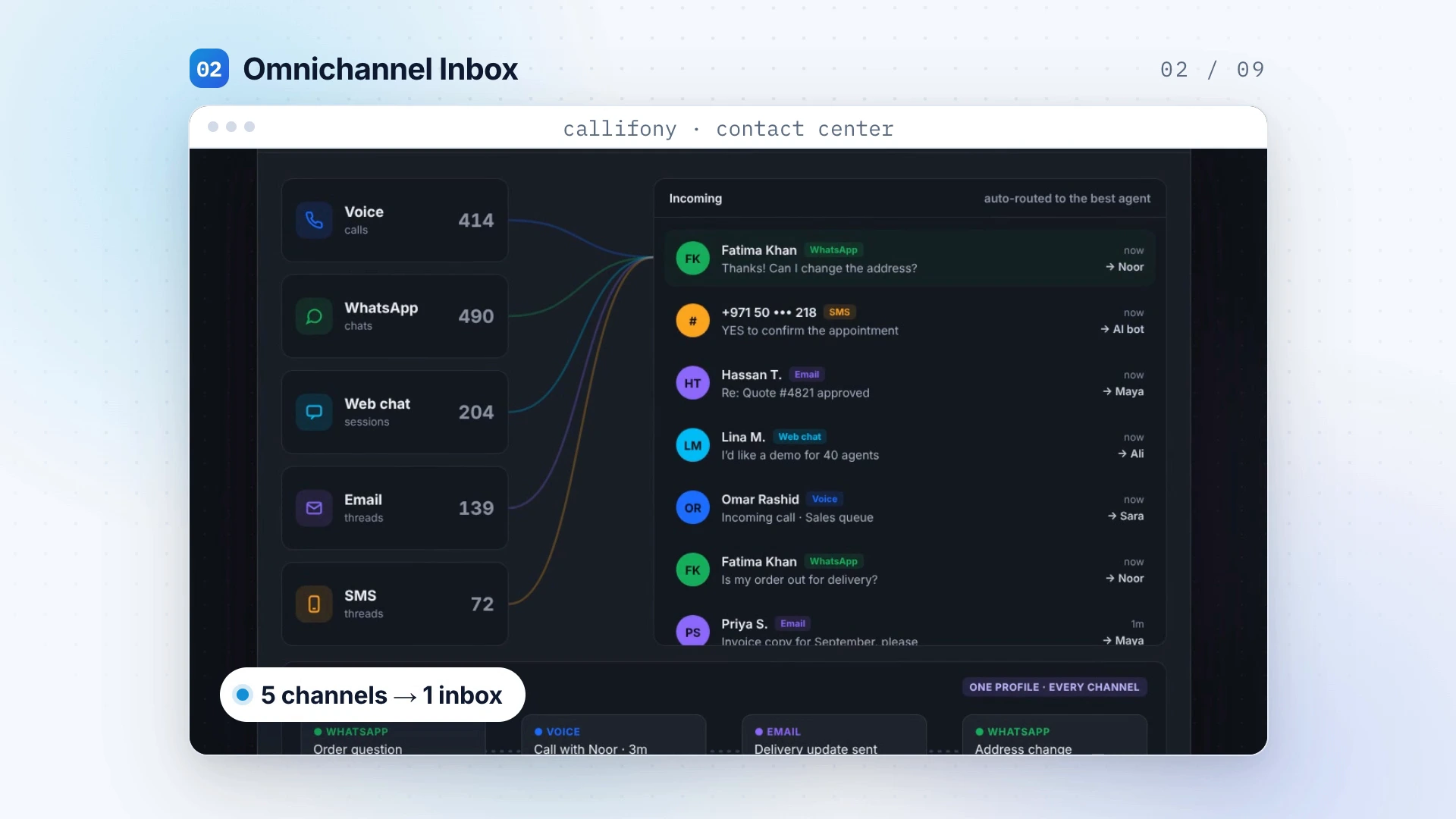
Connect your channels
Identify where customers contact your business and which channels your team needs to handle together.
Customers may call, message or start a webchat. A shared workspace gives your team a more organized place to handle those interactions. Begin with your most important channels, then shape ownership and handoffs around the way your team works.
Illustrative workflow · Configure for your team
Start with a clear need. Shape the workflow. Review the result with your team.
Identify where customers contact your business and which channels your team needs to handle together.
Agree who owns each enquiry and how conversations move between sales and service.
Look at unanswered enquiries and repeat contacts to decide where the experience needs attention.
Explore Callifony in this platform presentation. Your demo can focus on this capability and your specific requirements.
A customer asks a product question on webchat, then calls to discuss the next step. Map how your team will find the relevant conversation and who should own the enquiry. The useful design question is not how many channels you can list: it is whether the people handling them have the information they need.
Illustrative workflow — not a customer case study.Yes. Share your team size, current channels, calling setup and priorities so the walkthrough can focus on what matters to your operation.
Bring your current process, team size, channels, CRM and the problem you want to solve. The team can discuss availability, configuration and integration scope for your requirements.
Automate dialing for focused outbound campaigns.
Explore this capability↗Review transcripts, summaries and sentiment in context.
Explore this capability↗Design customer journeys and route by skill.
Explore this capability↗Let’s explore what a connected contact center can do for your team.